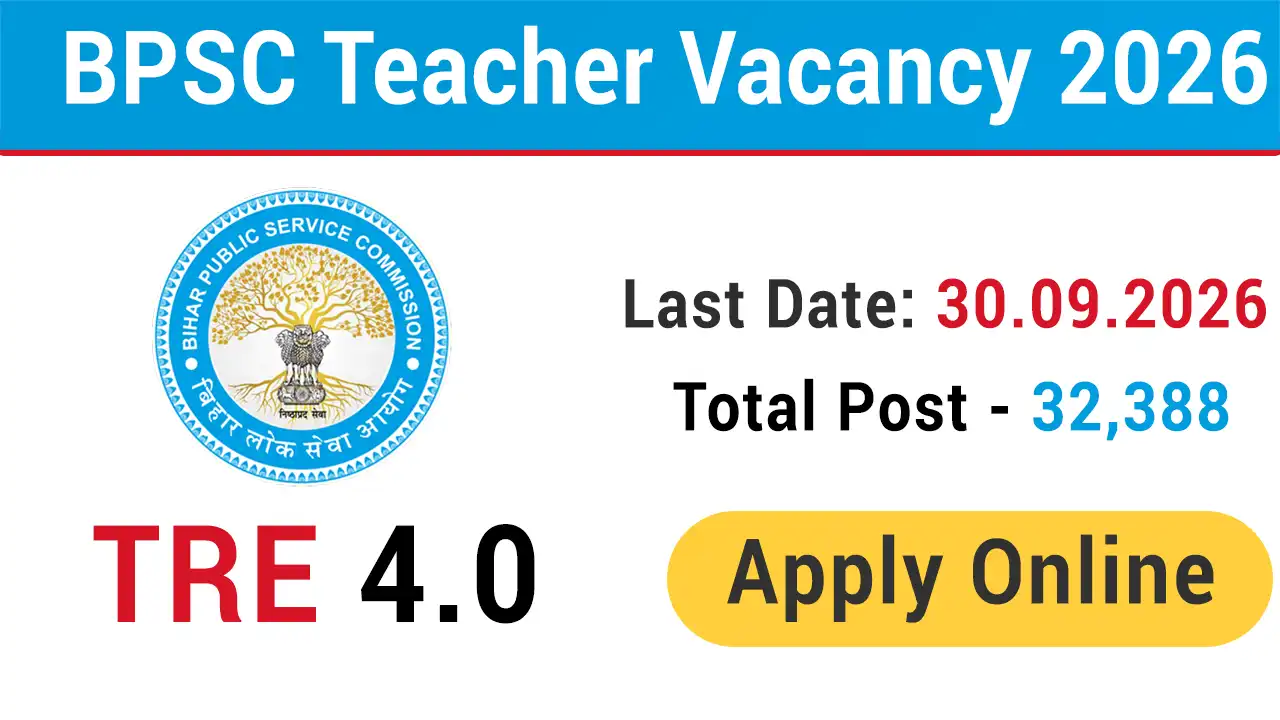
BPSC TRE 4.0 Notification 2026 PDF
The online applications are invited in the prescribed form from eligible Indian citizens and permanent resident candidates of Bihar state for appointment to a total of 32,388 posts of School Teacher under the Education Department, Bihar. Before apply online candidates must read the official notification to proceed further. You can download recruitment notification through provided link as below:
BPSC Teacher Selection Process 2026
On the basis of total marks of written examination (Part-II and III), the Commission will prepare a provisional merit list of successful candidates. In case the total marks of the written examination (objective) are equal, the score of the selected subject (Part-III) and in case of equal marks in the selected subject, the merit order will be determined according to the marks of Language (Qualification) (Part-I) subject. will be. In case of equality of marks in the subject of Language (Qualification) (Part-I) and in case of equality in age, the candidate with name in alphabetical order in Devanagari script will be given preference.
How To Apply Online BPSC Teacher Recruitment 2026
Registration:
1. Applicants first go to Bihar Public Service Commission's online application website https://onlinebpsc.bihar.gov.in and click on the tab of "Online Registration", apply online against the post for which they want to apply. Click on the button On the Registration page, the candidates will fill their respective information and click on the “Submit” button, after which the User Name and Password will be received on the screen, which can also be seen on the Registered Mobile number / E-mail Id.
Application:
2. After completing the registration process, the candidate will login on the home page of https://onlinebpsc.bihar.gov.in with the User Name and Password received on the Registered Mobile number / E-mail Id. After login, candidates will fill the online application by clicking on the button of Application Form.
- Certain (some) boxes in the application form will be pre-filled, which have been filled by the candidate at the time of registration.
- According to the related advertisement, the scanned copy (pdf format, maximum 100 KB in size) of all the desired certificates / documents will be uploaded at the prescribed place in the Application Form.
- Before uploading a clear photograph of the candidate through Webcam at the prescribed place in the Application Form, the candidate should ensure that he/she is not wearing cap/ muffler/ coloured glasses etc.
- Will upload his legible signature in Hindi and English at the designated place.
- After this the candidates will submit the Application Form.
Edit:
3. The facility to edit will be available after filling the details in the Registration and Application Form, the option to edit will be available only before making the payment. In this, there will be a provision to edit any entry filled by the candidate.
Note:- The details of Registration and Application Form can be edited by the candidate only before making the online payment till the prescribed last date of application.
Payment:
4. Before making online payment of examination fee, candidates should ensure that all the information entered in the application is correct. After payment, there will be no provision to edit the entry made by the candidate in the online application.
5. Will pay the examination fee by clicking on the button of Tab 'Online Payment' available on the Dashboard.
Download Filled Application Form:
6. After online payment of examination fee, the candidate will login again at the same time and click on the tab “Download Filled Application Form” available on the Dashboard to download the filled application (Pdf). Candidates should also ensure that the downloaded application ( Registration Number, Bar Code and Submitted Application Number are mentioned on each page of Pdf) / Hard Copy. Application is complete even if one of the Registration Number, Bar Code and Submitted Application Number is not mentioned on the application (Pdf) / Hard Copy. will not be treated as filled in form and application will not be accepted.